

What does App Manager Tech do?
Every feature of a modern app manager — no ads, no trackers, no Internet. Your usage data stays on your phone, period.
Full inventory
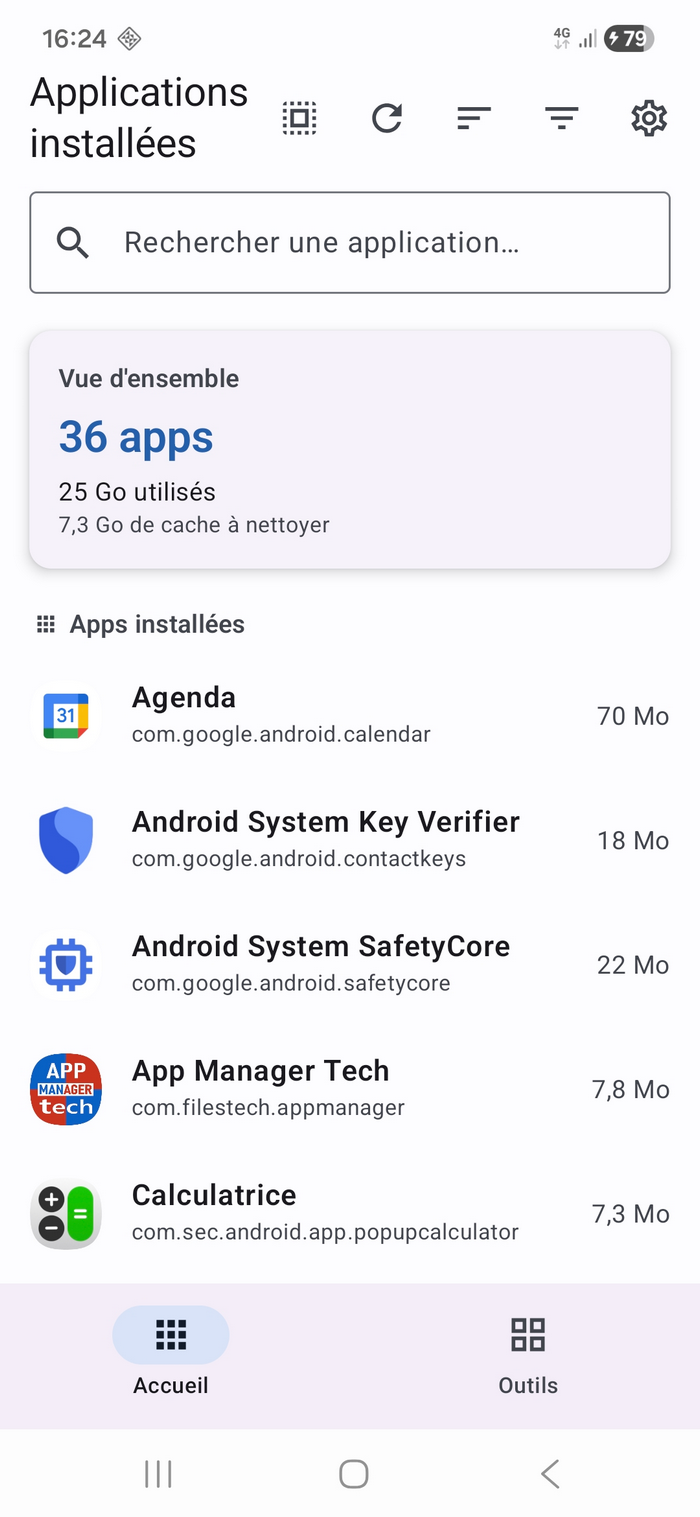
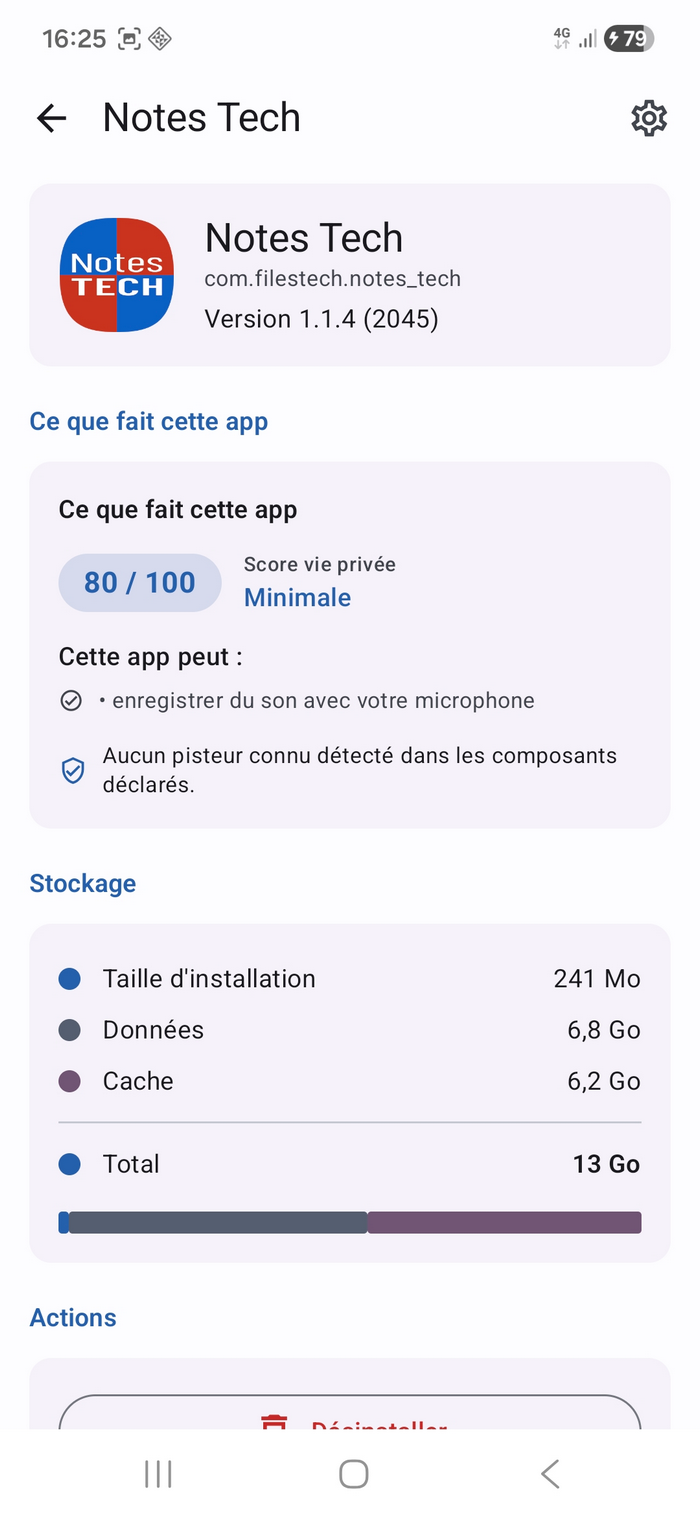
List of every installed app with size (install + data + cache), install date, last used, source (Play / F-Droid / Aurora / sideload), granted vs declared permissions, SHA-256 fingerprint of the signing certificate.
Smart cleaner
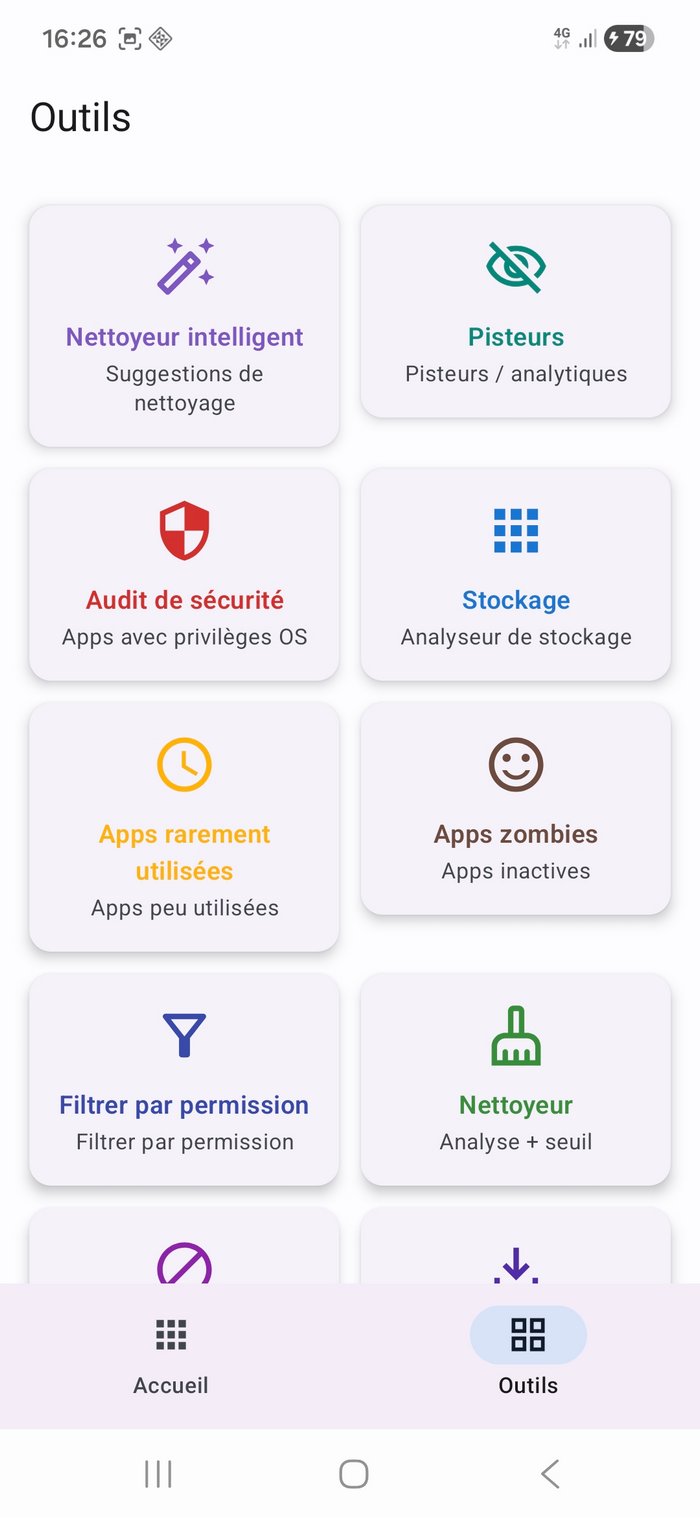
Merges into a single ranked list: zombie apps (never opened), large caches, big rarely-used apps and duplicates by category. 60 seconds of attention = the biggest wins first.
Tracker detection
Local Exodus Privacy-style scan : 45 known trackers (AdMob, Google Analytics, Crashlytics, Facebook, AppsFlyer…) detected in the components declared by each app. Offline JSON bundled in, zero network calls.
Privacy score
0–100 heuristic per app : −5 per dangerous permission, −20 for device admin or an accessibility service, −15 for drawing over other apps, −10 for INTERNET or a foreground service, −10 or −15 depending on the install source, +5 if installed from F-Droid. You see at a glance which app is "light" or "invasive".
Security audit
Lists apps with elevated OS privileges : device administrators (can block their own uninstall) and accessibility services (can read the screen and inject input). Classic abuse vectors — check them periodically.
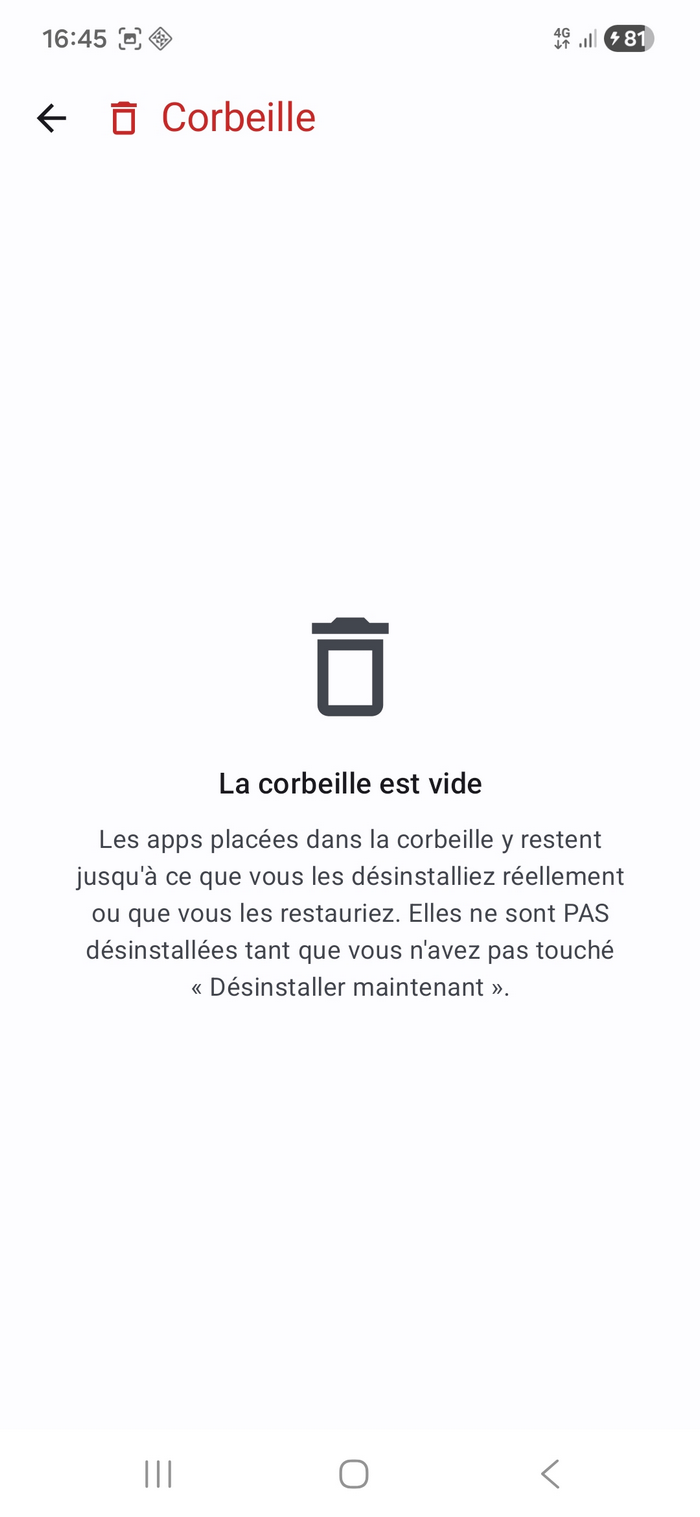
Trash
You can move an app to the trash before uninstalling it for good : review it, restore it if needed, or confirm the system uninstall. 3 choices on the Uninstall button : Cancel / Trash / Uninstall now.
Permission tracking
Append-only history of every permission grant or revoke (Room v4). The daily worker compares the current snapshot to the previous one and records each drift. You see at a glance when an app expanded its access — without anyone telling you.
Quarantine
Two modes : Reminder only (the app stays installed, you disable it yourself and AMT reminds you) and Real quarantine (uninstall after backing up the APK to a folder you choose). The worker periodically checks expirations. The APK reinstalls if you change your mind, only if it is intact: its SHA-256 fingerprint, recorded at backup, is checked again before the install (Android asks you to allow installs from App Manager Tech, then to confirm); the app's data is lost at uninstall. Real quarantine is not offered for an app installed as several APK files (App Bundle) or for a system app: its backup could not reinstall it.
Protected apps
Critical-app detector : 2FA authenticators, password managers, encrypted messengers, health, French banking and transport, plus the apps you add. Any destructive action on these apps triggers a warning dialog with a 3-sec hold confirmation, anti pocket-tap.
Rarely used apps
Lists apps unopened for 7 / 14 / 30 / 60 / 90 / 180 days (configurable threshold). Sorted by date to show you the ones that have been dormant the longest first.
Zombie apps
Apps installed for more than 7 days and never opened, or unused for more than 30 days. Shown with their size : ideal uninstall candidates.
Filter by permission
Type an Android permission (CAMERA, LOCATION, RECORD_AUDIO, READ_CONTACTS…) and the app lists every app that declares it. Shortcut chips for the 8 most sensitive permissions. "Granted only" toggle.
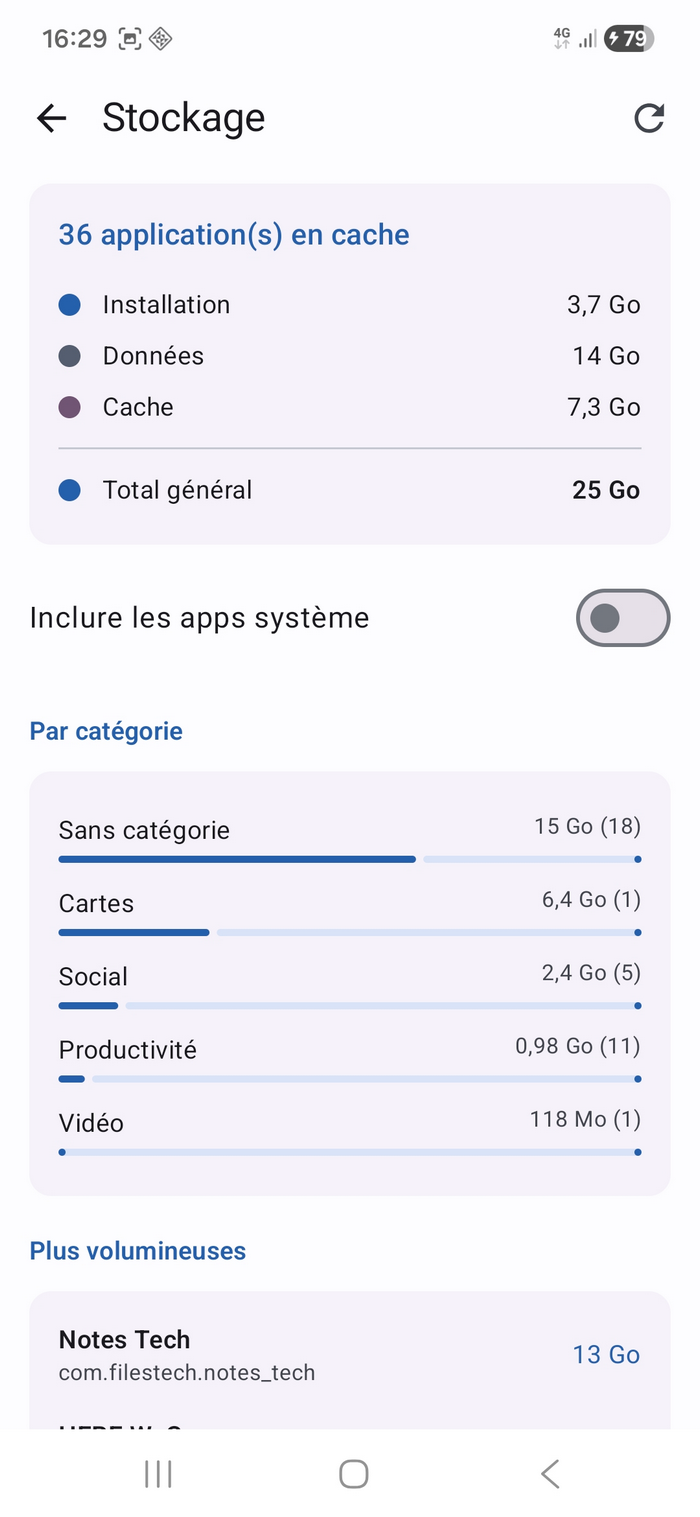
Storage analyzer
Overview by category (games, video, audio…) with stacked bars, top N largest apps, top N biggest caches. Rescan button to refresh.
Batch actions
Long-press on an app to enter multi-select mode. "Select all" button in 1 tap from the top bar. Uninstall, clear cache, force-stop — each one with a red or blue confirmation dialog depending on destructiveness.
Exclusion list
Apps you no longer want the Smart Cleaner to suggest. They stay in the other lists and in batch actions. 500-entry cap, removed in 1 tap.
JSON / CSV export
Full catalog report exported via the Android file picker (SAF). No MANAGE_EXTERNAL_STORAGE permission required.
PDF diagnostic report
Printable A4 PDF that summarizes the current state of the phone as AMT sees it. Included sections : device + Android + internal-storage profile, AMT version + signature, full inventory of user-installed apps, sensitive permissions granted per app, sideloaded apps (outside Play / F-Droid / Aurora), Device Admin and Accessibility access, problem summary (zombies, inactive ≥ 60 days, large ≥ 200 MB, sideloaded), and the last 200 lifecycle events. What it is NOT : no external analysis, no automatic judgment, no recommendation, no network upload, no remote database. It is a 100 % local compilation of the data AMT has already collected, laid out on 5 to 10 A4 pages — useful to share with a support technician or to archive the state before a factory reset.
Cache notification
Periodic background scan (daily / weekly / off) via WorkManager that refreshes the catalog and sends a single local notification when the total cache exceeds your threshold.
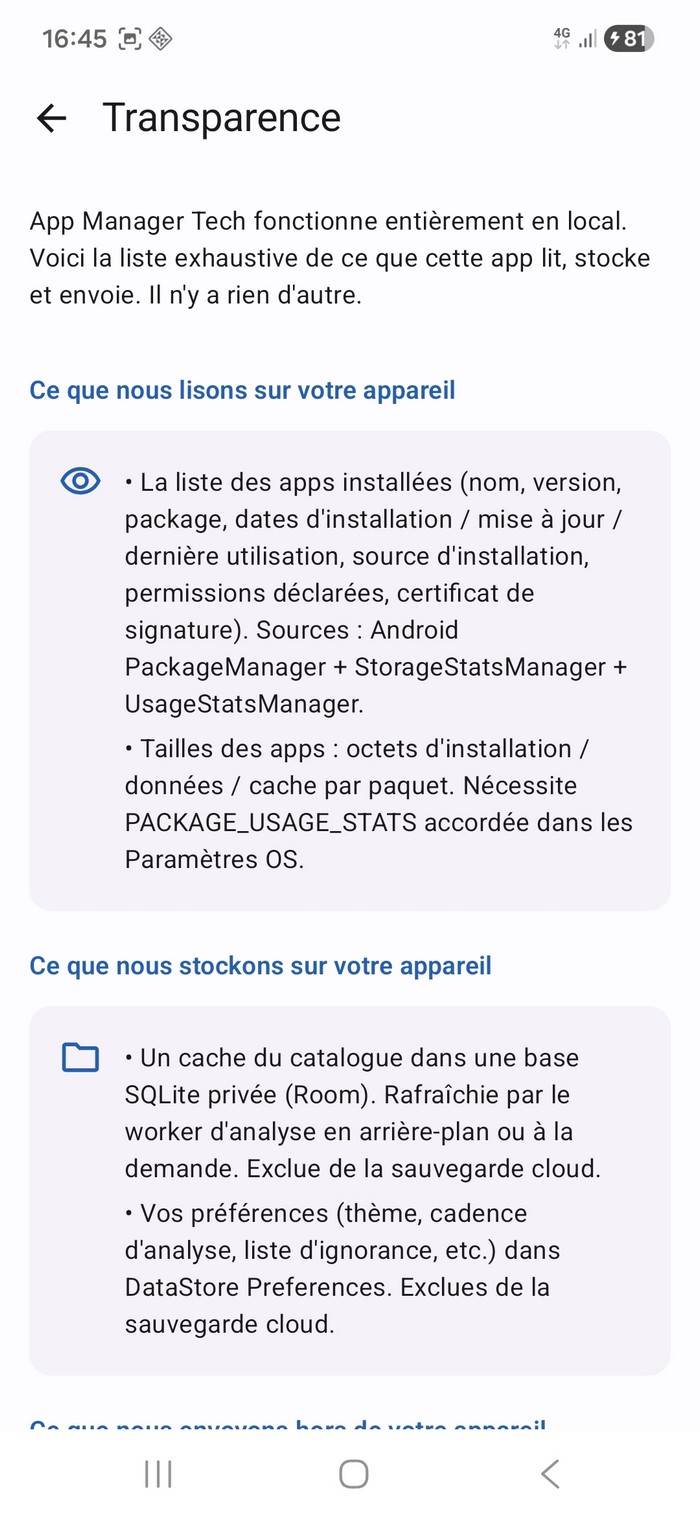
Full transparency
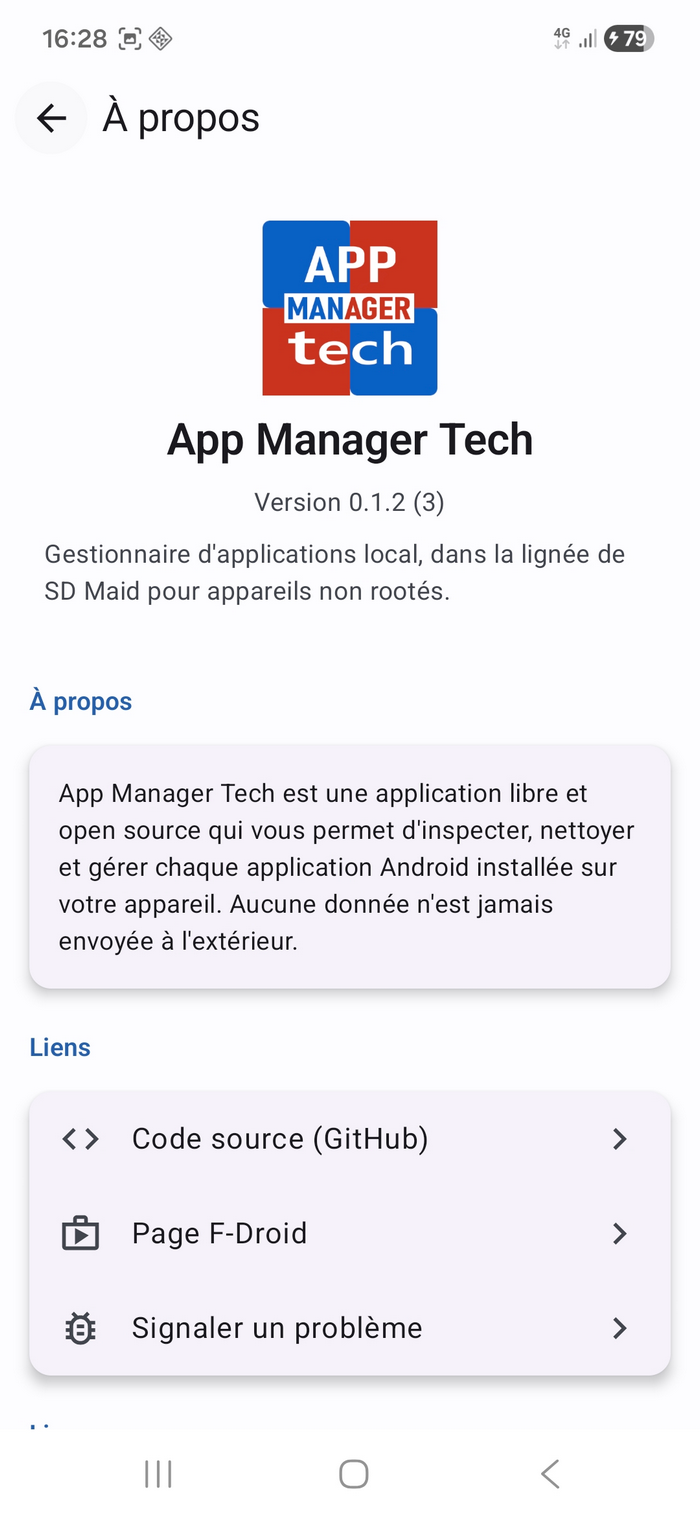
A dedicated screen exhaustively lists : what the app reads on your device, what it stores locally, what it sends (nothing — no Internet permission). No third-party SDK, no tracker, no crash reporter.
Premium design
Interface inspired by Read Files Tech : bottom navigation Home / Tools, tools grid as cards with shadows, vivid colored icons (WCAG AA), ElevatedCard cards. Optional GitHub Primer-style dark theme.
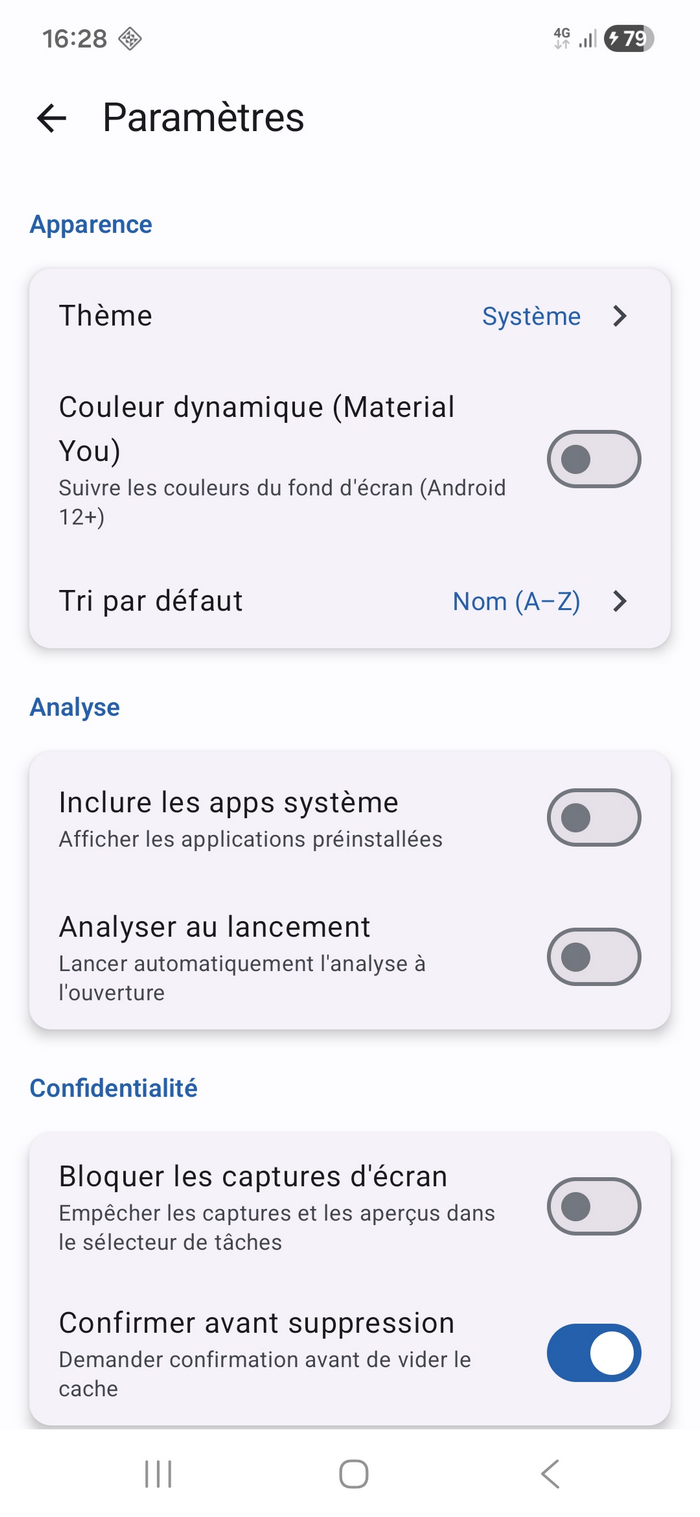
Material You + themes
Light, dark, or follow system. Material You (dynamic palette from the wallpaper) disabled by default — the brand stays consistent. Enable it in Settings if you prefer.
Five languages
English, French, German, Italian and Spanish, with parity checked at every build. Follows the phone's language ; on Android 13+, an app-specific language can be picked from its Settings.
Zero ads, zero trackers
No analytics, no third-party SDK, no crash reporter that uploads, no advertising library. No INTERNET permission declared — Android prevents the app from opening a network socket, at the OS level.
Screenshots
Privacy & permissions
| Permission | Why |
|---|---|
QUERY_ALL_PACKAGES | Enumerate all installed apps via PackageManager (core feature). |
PACKAGE_USAGE_STATS | Read last-used dates (UsageStatsManager) and cache/data sizes (StorageStatsManager). Must be granted in Android Settings → Usage data. Without it, sizes show 0 and apps show as "Never used" ; everything else works. |
GET_PACKAGE_SIZE | Read the size of apps. |
REQUEST_DELETE_PACKAGES | Launch the system uninstall dialog. Android asks for the final confirmation. |
REQUEST_INSTALL_PACKAGES | Restore a quarantined app: the backed-up APK is handed to Android's installer. Android additionally requires you to allow installs from App Manager Tech, and asks for confirmation at every install. Since v0.5.1. |
KILL_BACKGROUND_PROCESSES | Stop an app's background processes (best-effort, does not work on foreground services without root). |
POST_NOTIFICATIONS | Three optional notifications: cache threshold reached, permissions changed, end of a quarantine. Requested when you turn one on (Android 13+), can be refused. |
WAKE_LOCK, RECEIVE_BOOT_COMPLETED | Added by WorkManager: run the background jobs you turned on, and reschedule them after a reboot. |
FOREGROUND_SERVICE, ACCESS_NETWORK_STATE | Added by WorkManager, unused: no "expedited" job, no network condition. Without INTERNET, no network can be used. |
DYNAMIC_RECEIVER_NOT_EXPORTED_PERMISSION | Signature permission added by AndroidX, held by App Manager Tech alone: it closes to other apps the receiver that follows installs. |
INTERNET | Not declared. The app cannot open a network socket — Android blocks it at the OS level. |
MANAGE_EXTERNAL_STORAGE | Not declared. Everything goes through the Storage Access Framework (Android file picker). |
Twelve permissions in all, checked at every build on the published APK.
The app's privacy policy →
The app's terms of use →
Files Tech privacy policy →
Files Tech terms of use →
Usage data — the toggle to enable
App Manager Tech needs a single system authorization to work fully : usage-data access. Without it, the inventory works, but cache/data sizes and last-used dates show 0.
How to grant it
- Open App Manager Tech.
- On the home page, tap the "Grant usage access" banner.
- Android opens the "Usage data" list. Find App Manager Tech in the list (the app asks Android to place it at the top, but some brands like Samsung One UI may ignore it).
- Toggle App Manager Tech on. That one only — no need to enable the others.
- Go back into App Manager Tech. Sizes show automatically.
Why there's no "enable all" button
The "Usage data" screen is an Android system screen managed by Google. No third-party app (ours or any other) can add an "enable all" button to it — it's locked down on purpose for security. Otherwise, a malicious app could enable usage-history access for all your other apps in a single action. The only toggle is the one for App Manager Tech.
Architecture & tech stack
| Block | Choice |
|---|---|
| Language | Kotlin 2.4.10 native (not Flutter, not Compose Multiplatform) |
| UI | Jetpack Compose 1.12 + Material 3 1.4 (BOM 2026.09.00) + Navigation Compose 2.10 |
| DI | Hilt 2.60.1 via KSP (not kapt) |
| Persistence | Room 2.8.5 (schema v8, additive migrations, MigrationTest for each bump) + DataStore Preferences |
| Concurrency | Coroutines + Flow + StateFlow.WhileSubscribed |
| Background | WorkManager 2.12.0 with HiltWorker (on-demand init) |
| Images | Coil 2.7.0 (Apache 2.0) |
| Logs | Timber 5.0.1 (DebugTree in debug, NoOp tree in release) |
| Trackers | Bundled offline JSON (45 Exodus-style trackers) |
| Build | AGP 9.4.1, JDK 17, Gradle 9.8.1, R8 minify, 3 per-ABI APKs + 1 universal (~2.5 MB) |
| License | Apache License 2.0 |
| Sources | github.com/gitubpatrice/APP-MANAGER-TECH |
| F-Droid | Not on F-Droid — install from the GitHub Releases |