

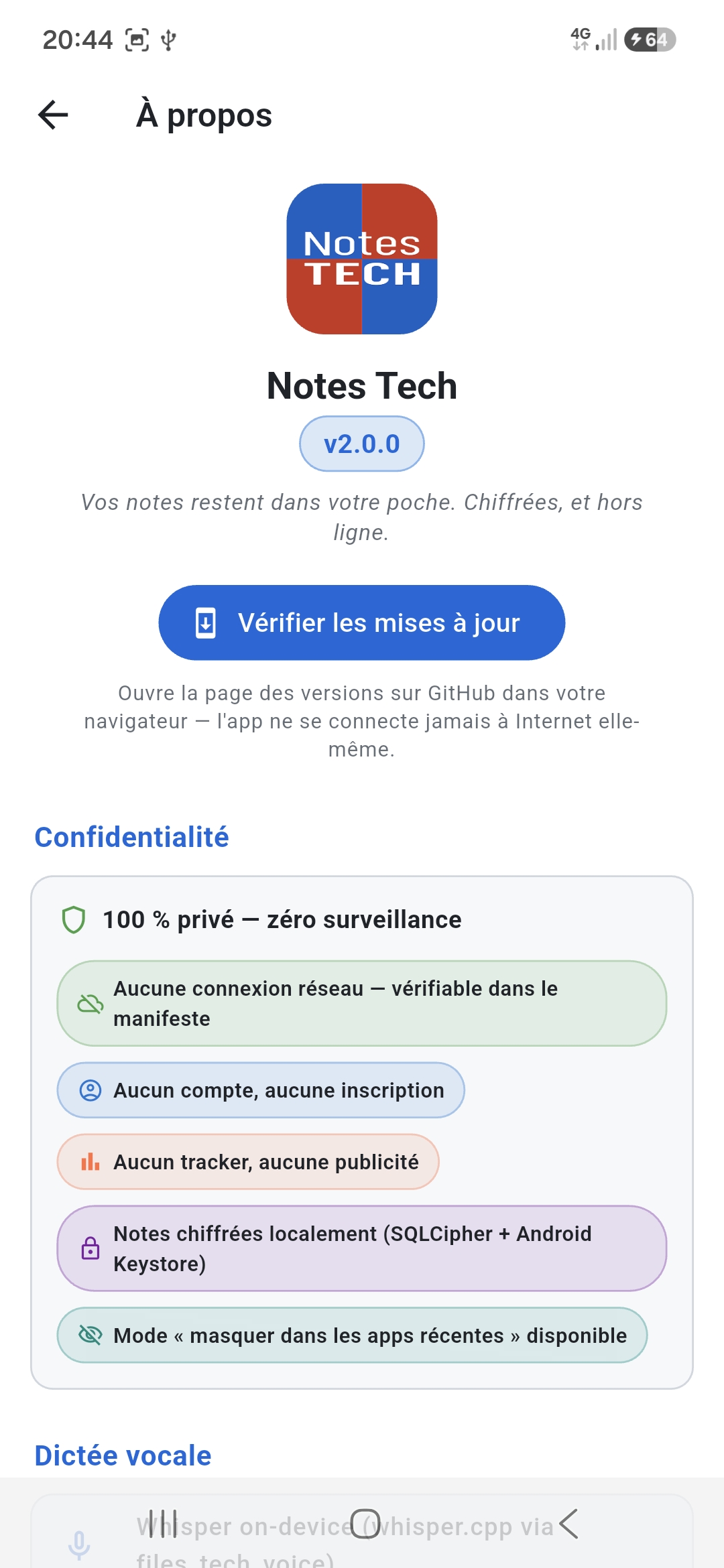
Notes Tech v3.1.0
Your notes stay in your pocket. Encrypted, and offline.
Security audit — September 2026Why Notes Tech
A note-taking app that shares nothing with anyone — because it is technically unable to.
Zero internet
No INTERNET permission in the manifest. The app is technically unable to send any data. Verifiable.
Encrypted database
SQLCipher AES-256 with the key sealed by the Android Keystore (hardware-backed). Uninstall = lose everything, irrecoverable.
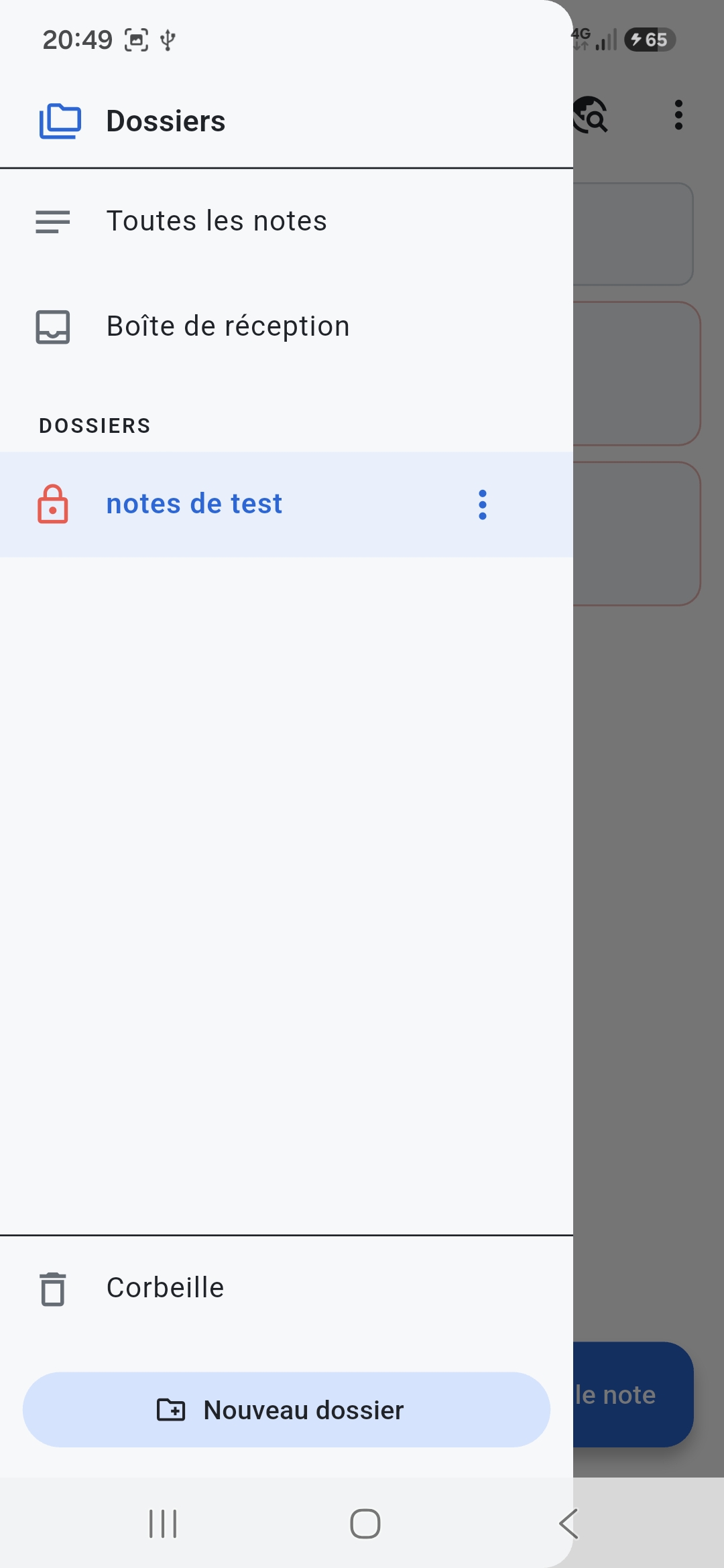
Per-folder vaults
Each folder can be a vault: Argon2id passphrase (m=64MB) or Keystore-sealed PIN (Android 9 and later) + self-destruct after 5 failed attempts.
App lock
A PIN when Notes Tech opens, plus fingerprint or face (strong biometrics) if you wish. Relocks at once, or after a delay you choose.
Panic mode
Settings → Panic mode, confirmed by typing a word: database key destroyed, database overwritten, dictation model and vaults wiped, Keystore keys deleted. If interrupted, the wipe resumes at the next launch.
Voice dictation
On-device Whisper (whisper.cpp built into the app, ~57 MB model you import) — recordings deleted once transcribed, model checked by SHA-256.
8 MB, not 290
The app fits in an 8 MB APK (arm64), 27 MB before the Kotlin rewrite. No language model bundled: what you install is an encrypted note editor, not a data centre.
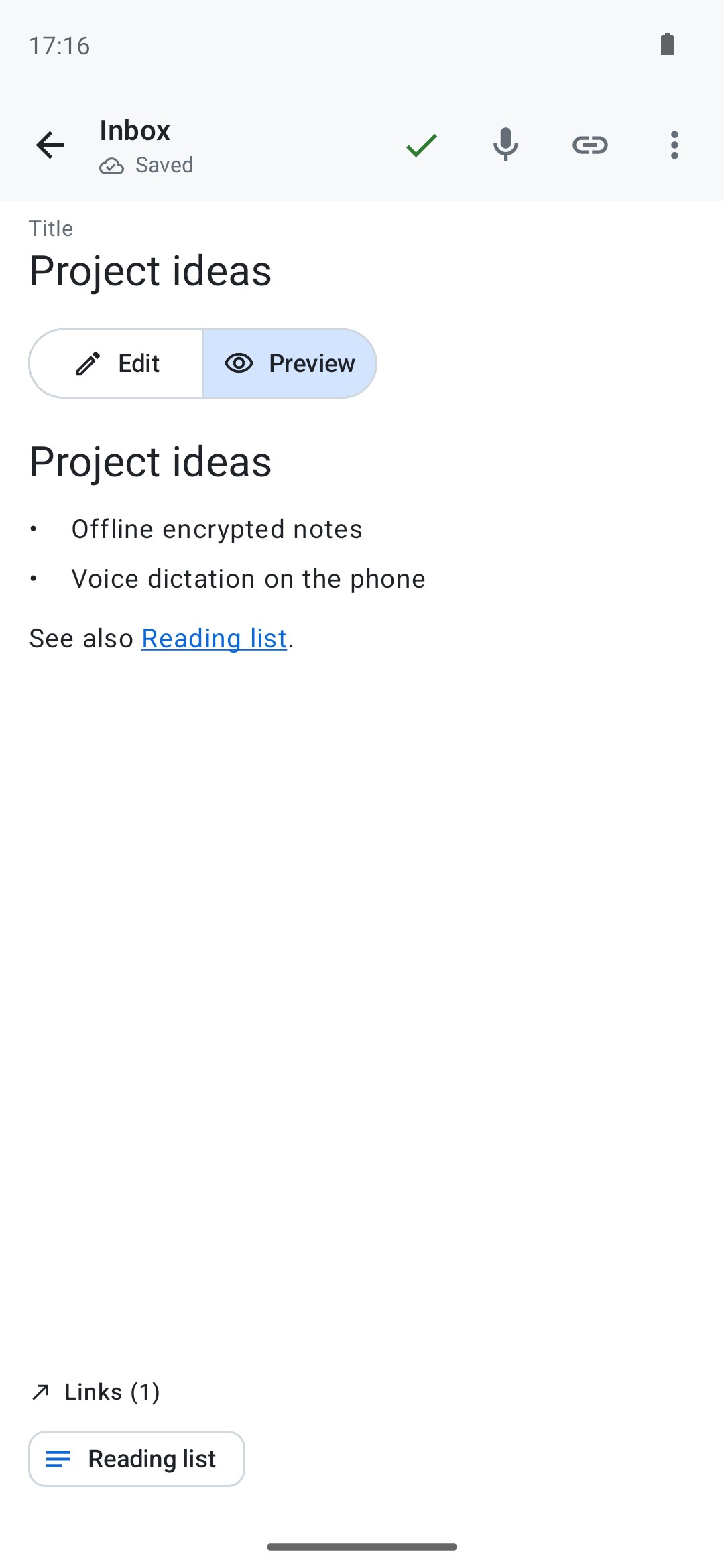
Backlinks [[Title]]
Outbound links + "Mentions" panel (backlinks) + auto-completion. Ghost links auto-resolved on creation.
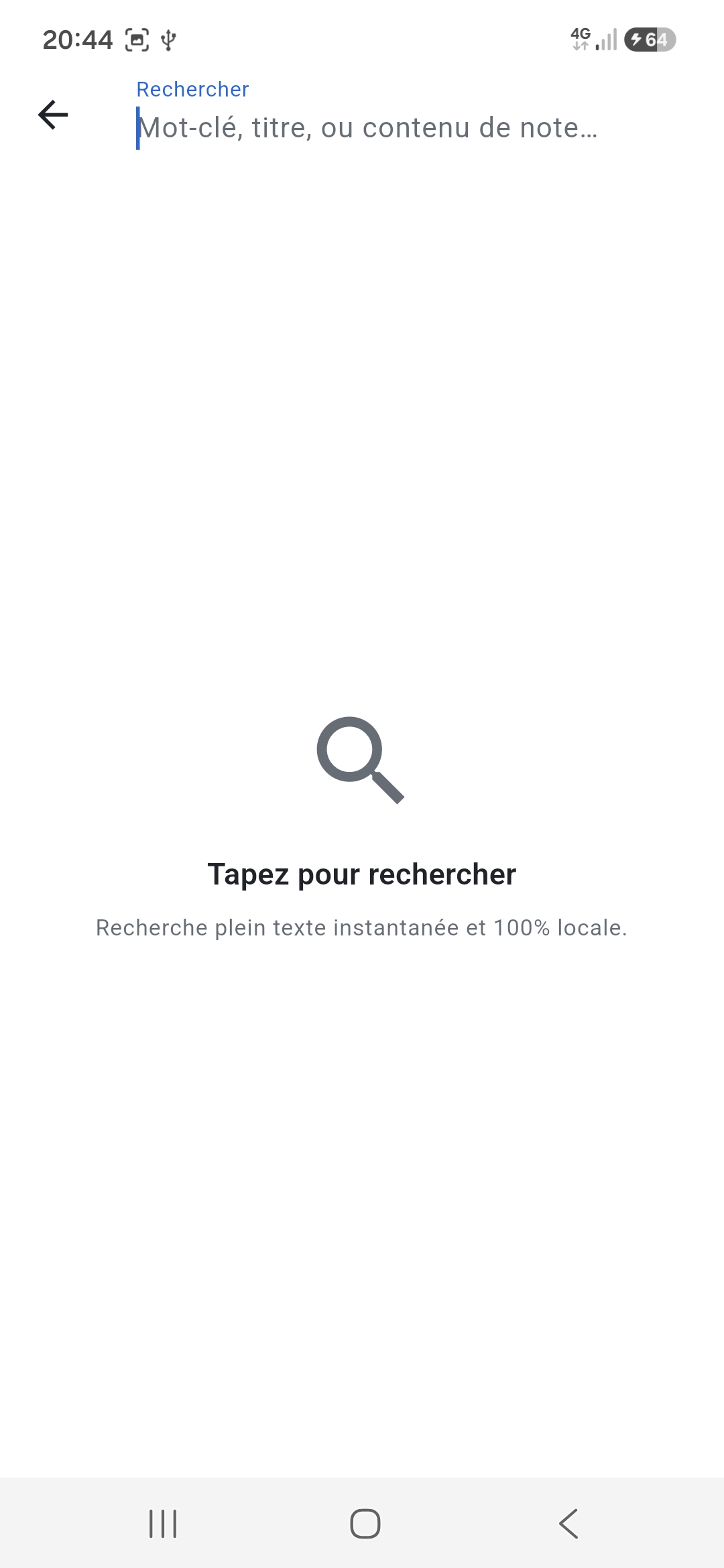
Instant FTS5
SQLite full-text search with Unicode tokenizer, normalized diacritics. Response in milliseconds.
Screenshots blocked
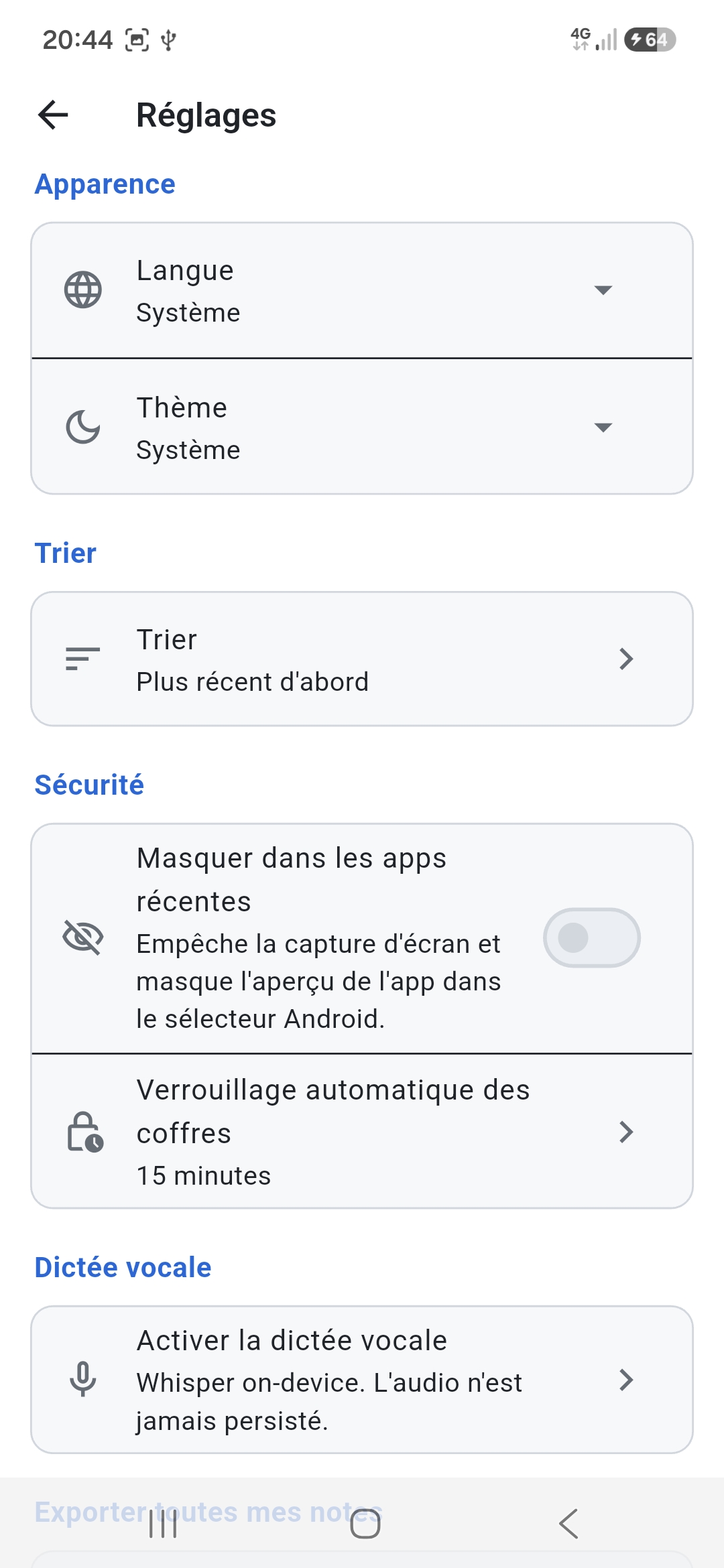
On by default ("Hide in recent apps") — blocks screenshots and hides the preview in the Android app switcher.
Plain Markdown
No proprietary format. Your notes are text files you will always be able to read, anywhere, in 20 years.
Five languages
English, French, German, Italian and Spanish. Language selector in Settings, follows the system language by default. Legal pages translated.
Reading card New
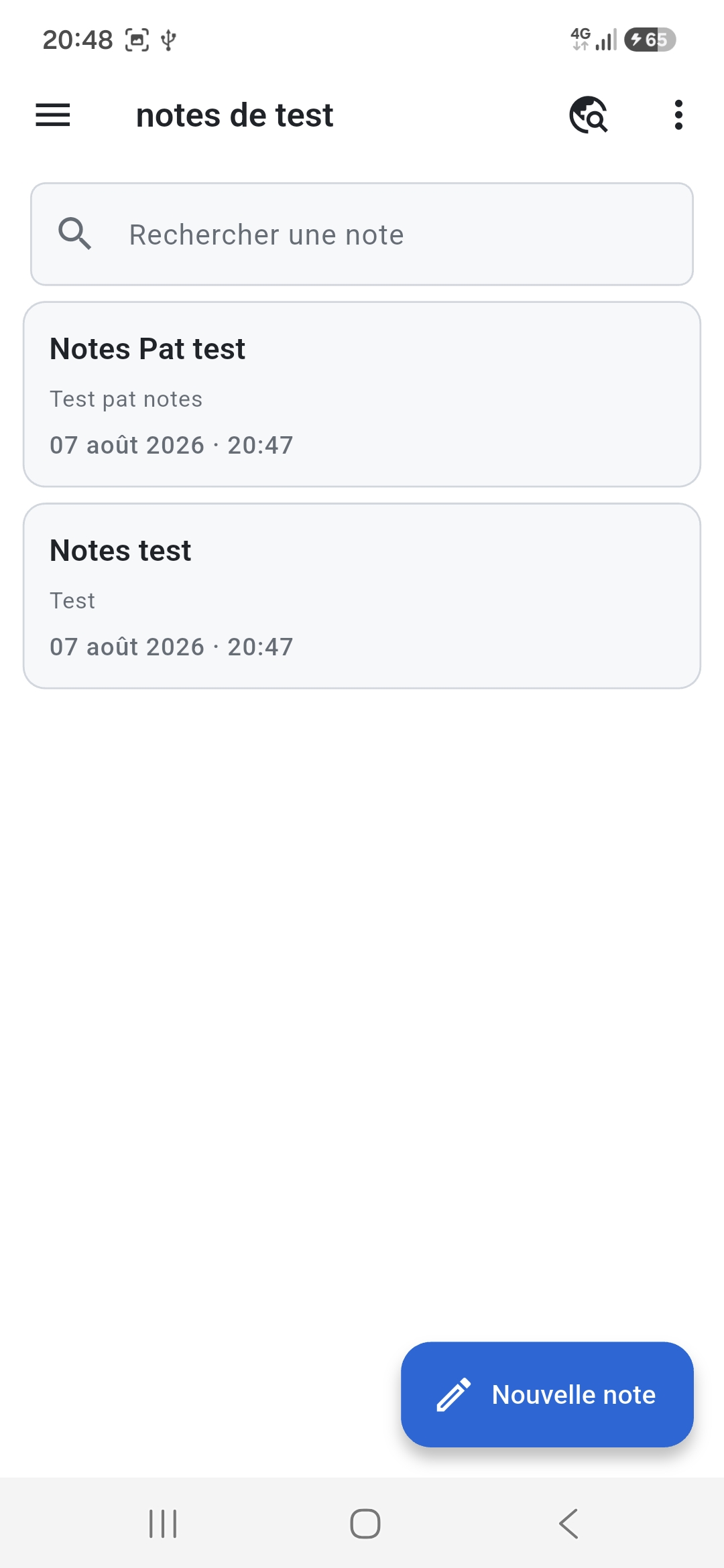
Tapping a note opens it to be read, as a card in its colour: title, rendered text, date. The “Edit” button to write, the tick to go back to reading.
Colours and long press New
Eight pastel colours to tell your notes apart in the list — a vault note's shows only while its vault is open. Long press on a note: edit, move to trash (with Undo) or delete permanently.
Apache 2.0
Source code entirely public on GitHub. Verify the privacy promises yourself.
Free, of course ;)
No subscription, no freemium, no quota, no premium version. Never will be.
Screenshots
How it works
An encrypted database, a full-text index, a voice transcription engine. Nothing else — and nothing that leaves the phone.
1. You write
Classic Markdown notes, opened to be read and written with a tap on “Edit”, debounced auto-save, configurable sorting, pin / favorites / colours / trash. Your notes go straight into an encrypted SQLite database (SQLCipher AES-256) whose master key is sealed by the Android Keystore — an attacker who dumps /data/data recovers nothing exploitable without the phone unlocked.
2. The app indexes in the background
Each note feeds an FTS5 index maintained by SQLite triggers, with a Unicode tokenizer and normalized diacritics — "reiki" finds "Reiki" as well as "réiki". Search answers in milliseconds, even across thousands of notes. The content of a locked vault never enters that index: the triggers mask the column for as long as the note stays encrypted.
3. You dictate
Mic button in the editor. Whisper (whisper.cpp, Georgi Gerganov's C++ port, compiled into the app; base model q5_1 ~57 MB, imported from HuggingFace) transcribes what you say, the text is inserted at the cursor. The recording stays in the app's private area and is deleted once transcribed.
4. You stay in control
Panic mode which destroys the Keystore key and makes the database unreadable forever. App lock by PIN and biometrics. "Hide in recent apps" setting, on by default, which blocks screenshots and hides the preview. Everything is under Apache 2.0 — you can compile it yourself from source.
Privacy commitments
No empty promises. Only commitments verifiable in the code.
| Commitment | Notes Tech | Verifiable |
|---|---|---|
| Internet permission | Removed from manifest (tools:node="remove") | aapt dump permissions |
| Tracker / ad SDK | None | GitHub source code inspection |
| Third-party crash reporter | None | No Crashlytics, Sentry, etc. dependency |
| Account / sign-up | None | No login screen |
| Note storage | Local + encrypted | SQLCipher in /data/data/com.filestech.notes_tech |
| Dictation model | Imported by you, SHA-256 verified | Official HuggingFace source |
| Recorded audio | Deleted once transcribed | GitHub source code inspection |
| Source code | Full Apache 2.0 | github.com/gitubpatrice/notes_tech |
Who it's for
- Wellness practitioners, therapists, energy practitioners who take notes on client sessions — professional secrecy is not optional
- Journalists, lawyers, doctors handling sensitive sources or files
- Anyone who refuses to let their private notes end up in a cloud or a training model
- Travelers and nomads who want an app that works in airplane mode, abroad, without data
- Curious tinkerers who want to understand how notes get encrypted at rest, how an Argon2id vault key is derived and how an FTS5 index is maintained — and read the code
Honestly, the limits
- No AI. The question-answering and semantic search features have been removed: they forced a 290 MB APK and a 530 MB model to import, for uneven results. Search is now full-text — fast and exact, but it will not guess synonyms.
- Voice dictation adds ~57 MB of model if you enable it. Optional, and Whisper Base is not infallible on proper nouns.
- The Markdown reading never shows images, only their alt text: nothing is loaded, on purpose.
- No cross-device sync (yet) — it's deliberate (offline-first), but it's also a real limitation if you want to write on a tablet then re-read on a phone.
- Since 3.0.0, the update is one-way. Once a 3.x is installed, Android refuses to put 2.x back over it, and uninstalling erases your notes along with their key. To keep a copy before updating, use the ZIP export of 2.x: notes in a locked vault are left out of it, notes in an unlocked vault go into it in plain text.
- On F-Droid, Notes Tech is built and signed by F-Droid, with its own key: an F-Droid copy and a GitHub copy do not update each other, and switching from one to the other means uninstalling, so erasing your notes. Installed from F-Droid? Wait for F-Droid: each version arrives there a few days after its release, the time F-Droid takes to build it.
How to enable voice dictation
Five-step guide — the app downloads nothing by itself, you stay in control.
- Settings → Voice dictation → Enable voice dictation.
- Choose a model: Whisper Base (57 MB, recommended) or Whisper Tiny (32 MB, faster but less accurate).
- Tap "Download to this phone" — the Android browser opens on the official page huggingface.co/ggerganov/whisper.cpp. Your browser does the downloading, Notes Tech stays without internet permission.
- Once the
.binfile is in your Downloads folder, return to Notes Tech and tap "Select the .bin file". The app verifies the SHA-256 cryptographic fingerprint then copies it into its private area. - Open any note, tap the 🎤 icon in the top bar, speak, tap "Stop". The transcribed text is inserted at the cursor.
You can uninstall the model or switch to another one at any time from Settings → Voice dictation. Panic mode wipes the model too.
Open source code
For an app that claims to send nothing, independent code audit is essential — it's the only proof. Notes Tech is published under Apache 2.0, and whisper.cpp, compiled into the app for dictation, under the MIT licence; you can read, verify and compile them yourself.